
Playrooms Minimum and Recommended PC Requirements
Compare official Playrooms system requirements, including minimum and recommended PC specs, RAM, graphics cards, storage, and Windows support.
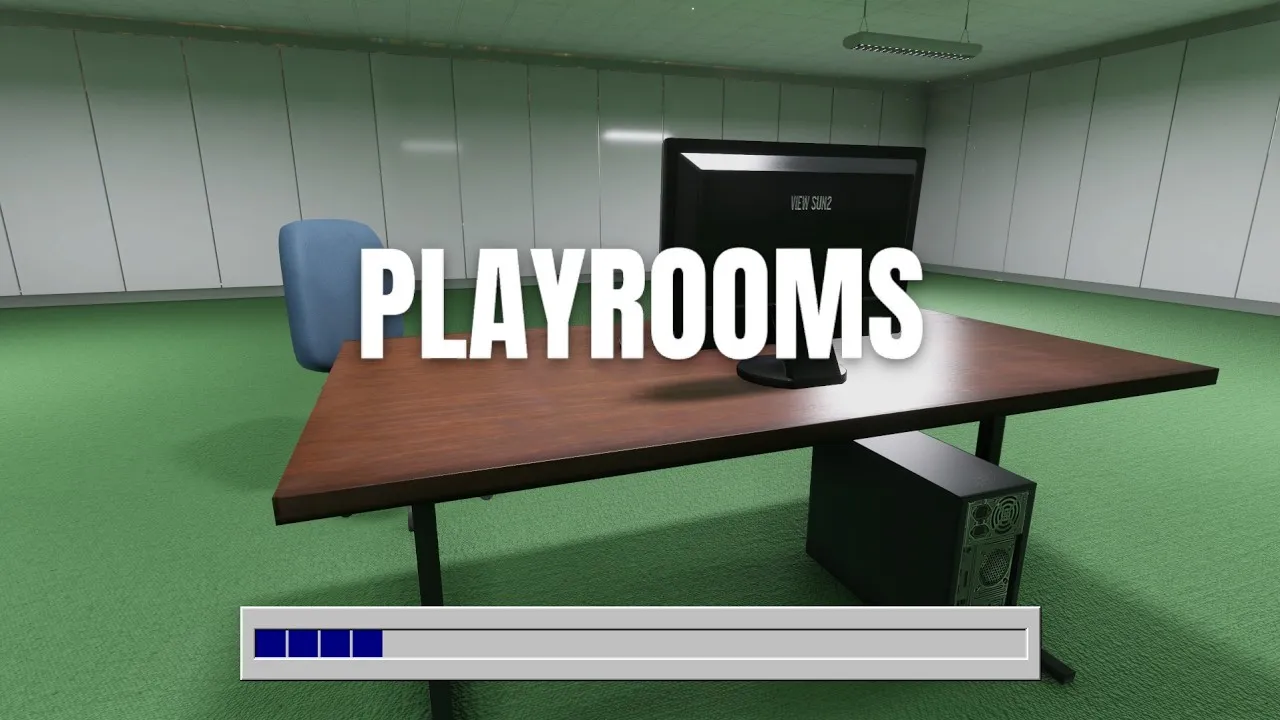
What are the Playrooms system requirements for PC?
The Playrooms system requirements start at 8 GB of RAM and an NVIDIA GTX 1060 (6GB) or AMD RX 580, giving you specific hardware to compare before playing. Checking your processor, graphics card, and memory together matters because matching one component does not satisfy the entire specification. This guide breaks down the Playrooms system requirements for the Windows full release, including the recommended hardware and the performance details the listing leaves unconfirmed.
These specifications come from the reviewed official Playrooms Steam store listing for the game developed and published by Two Pixels UG. The reference material covers the full release launched on November 4, 2026, with this article dated November 6, 2026.

playrooms full game — dark sabloy
Video source: playrooms full game — dark sabloy.
General full-release gameplay reference. This is not a dedicated tutorial, device test, or proof of this article’s particular mechanic. Exact patch is not identified.
Here are the three hardware categories that change between the minimum and recommended tiers:
| Component | Minimum | Recommended |
|---|---|---|
| Processor | Intel Core i5-7600K or AMD Ryzen 5 1600 | Intel Core i5-10400 or AMD Ryzen 5 3600 |
| Memory | 8 GB RAM | 16 GB RAM |
| Graphics | NVIDIA GTX 1060 (6GB) or AMD RX 580 | NVIDIA RTX 2060 (6 GB) or AMD RX 5700 |
Both tiers also specify Windows 10 64-bit, DirectX Version 11, 10 GB of available storage, and a standard sound card.
The distinction between these columns is useful, but neither comes with a stated resolution, graphics preset, or frame-rate target. Treat them as the developer’s hardware requirements. They do not establish how many frames per second a particular PC will deliver.
Comparing the minimum and recommended hardware
The Playrooms system requirements are most useful when you compare each component separately. A computer can match the recommended memory specification while matching only the minimum graphics specification, so a single matching part should not decide your assessment.
Processor: match the complete model name
The minimum CPU options are the Intel Core i5-7600K and AMD Ryzen 5 1600. The recommended options are the Intel Core i5-10400 and AMD Ryzen 5 3600.
Keep those full names in your comparison. A description such as “Intel Core i5” or “AMD Ryzen 5” does not identify which of the listed processors a computer contains. The model number is part of the requirement, rather than an optional detail.
The reviewed listing does not provide an equivalence chart for other processors. If your CPU is absent from the table, these references alone cannot establish its position relative to the listed models. That is a limit of the available evidence, rather than confirmation that an unlisted processor will or will not run the game.
Memory: distinguish the two tiers
The minimum memory requirement is 8 GB RAM, while the recommended amount is 16 GB RAM. That is twice the listed minimum capacity, although it does not imply twice the performance.
For example, a PC with 16 GB of RAM meets the recommended memory entry. Its processor and graphics card still need separate comparisons. Likewise, having 8 GB satisfies the minimum memory entry, but does not establish that the rest of the computer meets the minimum specification.
The listing provides no measurements showing how memory capacity affects frame rates, loading, or stuttering in Playrooms.
Graphics: pay attention to the specified variant
The minimum NVIDIA option explicitly names the GTX 1060 with 6GB. The recommended NVIDIA option names the RTX 2060 with 6 GB.
Preserve those capacity details when checking your hardware. The source does not identify every graphics card sharing part of those names as an interchangeable option.
On the AMD side, the listing names the RX 580 for minimum and the RX 5700 for recommended. It does not attach a memory capacity to either AMD entry, so there is no source-supported basis for adding one here.
Windows, DirectX, storage, and sound requirements
Several parts of the Playrooms system requirements remain identical across both tiers. Moving from minimum to recommended changes the listed CPU, RAM, and GPU, while these four requirements stay the same:
| Requirement | Minimum | Recommended |
|---|---|---|
| Operating system | Windows 10 64-bit | Windows 10 64-bit |
| DirectX | Version 11 | Version 11 |
| Storage | 10 GB available space | 10 GB available space |
| Sound card | Standard | Standard |
Windows 10 64-bit is the exact operating-system entry. The reviewed requirements do not include a separate Windows 11 entry or a broader compatibility statement. Reproducing the listed OS accurately does not establish that every unlisted Windows version is incompatible.
The DirectX requirement is Version 11 in both columns. There is no separate recommended DirectX version, and the material does not describe selectable rendering modes. Nothing in these requirements supports instructions to switch the game to a different graphics API.
For storage, plan around 10 GB of available space. “Available” refers to the capacity the specification asks you to have free; a drive’s total capacity alone does not answer that requirement.
That figure also should not be presented as a confirmed download size. The reference gives an available-space requirement without separately stating the size of the download.
No SSD requirement appears in either tier. The listing also supplies no SSD-versus-hard-drive loading measurements, so it cannot support a specific loading-time estimate or a claim that one drive type is mandatory.
Finally, the sound-card entry is simply Standard. No specific sound-card model or additional audio hardware requirement is named.
What these specifications tell you about performance
The Playrooms system requirements provide a hardware baseline, but they are not a benchmark report. The reviewed material contains no measured performance results, and neither specification tier is tied to a documented testing setup.
This distinction matters when a requirement is turned into a claim such as “the minimum GPU guarantees 60 FPS.” There is no reviewed evidence for that conclusion. The same applies to assigning a particular graphics preset to the recommended hardware.
| Topic | What the reviewed material confirms | What remains unspecified |
|---|---|---|
| Frame rate | Minimum and recommended hardware lists | FPS targets or measured results |
| Resolution | Named CPU and GPU options | Target display resolution for either tier |
| Graphics settings | A recommended hardware tier | Presets associated with that tier |
| Storage | 10 GB available space | Download size and drive-speed targets |
| Unlisted hardware | Specific Intel, AMD, and NVIDIA models | Performance equivalence for other components |
A useful comparison therefore starts with a component checklist:
- Compare your full CPU model against the processor entries.
- Compare system RAM against the 8 GB and 16 GB tiers.
- Compare your graphics card model, including the NVIDIA memory capacity stated in the listing.
- Check the shared operating-system, DirectX, and available-storage requirements.
These checks help establish which published entries your computer matches. They do not produce an FPS prediction.
Consider a system with a listed recommended processor and 16 GB RAM, but a listed minimum graphics card. It matches different columns in different categories. Describing the whole machine as meeting every recommended entry would overlook that difference.
Similarly, a match across the recommended hardware entries supports saying that the computer matches those published specifications. It does not justify promising a particular resolution, preset, or consistently smooth frame rate without additional evidence.
Supported platforms and full-release scope
The Playrooms system requirements discussed here belong to the Windows Steam full release, app 5037510. The reviewed storefront data identifies Windows support and does not list native macOS or Linux support.
| Platform | Status in the reviewed storefront data | Requirements provided |
|---|---|---|
| Windows | Supported | Minimum and recommended Windows specifications |
| macOS | No native support listed | No macOS specifications provided |
| Linux | No native support listed | No Linux specifications provided |
This platform information should stay separate from assumptions about compatibility tools. The reviewed material does not establish whether the game runs successfully through such tools, and it provides no performance results for them.
It also does not establish Steam Deck compatibility or a verification rating. Full controller support is listed, but that feature alone does not confirm compatibility with a particular handheld device. Input support and platform support answer different questions.
The separate demo is identified as Steam app 5246850. Its existence does not establish that its settings, performance, or requirements are identical to those of the full release. This article uses the requirements reviewed for app 5037510 throughout.
The reference identifies the full release date as November 4, 2026. It does not establish a semantic patch number for these specifications, so attaching a numbered game version to the table would add unsupported precision.
When comparing information elsewhere, keep the product and release scope aligned: Windows specifications for the full release should be compared with evidence about that same release.
Related guides
- Steam & Platforms directory
- Playrooms Steam Release Date and Editions
- Playrooms Demo and Full Game Differences
FAQ
Is 8 GB of RAM enough for the Playrooms system requirements?
8 GB RAM meets the listed minimum memory requirement. The recommended amount is 16 GB. Your processor, graphics card, operating system, DirectX support, and available storage still need to satisfy their respective entries. Meeting the memory requirement alone does not establish that the entire PC meets the minimum specification.
Does a GTX 1060 with 3GB meet the listed minimum?
The official minimum specifically names the NVIDIA GTX 1060 (6GB). A 3GB version does not match that exact entry. The reviewed material does not confirm how the 3GB version performs or whether it runs the game acceptably, so it should not be presented as satisfying the published NVIDIA minimum.
Does Playrooms require an SSD or more than 10 GB of storage?
Both the minimum and recommended specifications list 10 GB of available space, and neither states an SSD requirement. The source does not separately confirm the download size or quantify additional space associated with updates. Use 10 GB as the published available-space requirement without turning it into an exact download figure.
Will the recommended specifications deliver 60 FPS?
That is unconfirmed by the reviewed evidence. The recommended list names an Intel Core i5-10400 or AMD Ryzen 5 3600, 16 GB RAM, and an NVIDIA RTX 2060 (6 GB) or AMD RX 5700. It provides no accompanying frame-rate, resolution, or graphics-preset target. Those specifications support a hardware comparison, but a 60 FPS claim would require performance evidence that is not included here.
Related Articles
community
Where to Find Playrooms Community Discussions
Searching for Playrooms reddit? Check the verified Steam game, separate demo advice, and see what is known about community discussions.
fixes
Playrooms Lag and Lights-Out Crash Troubleshooting
Find the developer's Playrooms crash advice, compare PC requirements, and check which Lightmap Resolution settings apply to the full game or demo.
guides
Playrooms ReShade Compatibility and Presets
Explore Playrooms reshade compatibility, unverified presets, official PC requirements, and what the available evidence can actually confirm.
Was this helpful?
Thanks for the feedback!