
Playrooms Upgrades and What to Buy First
Plan your Playrooms upgrades with practical priorities for hand skills, brooms, vacuums, room keys, pit rewards, and completion achievements.
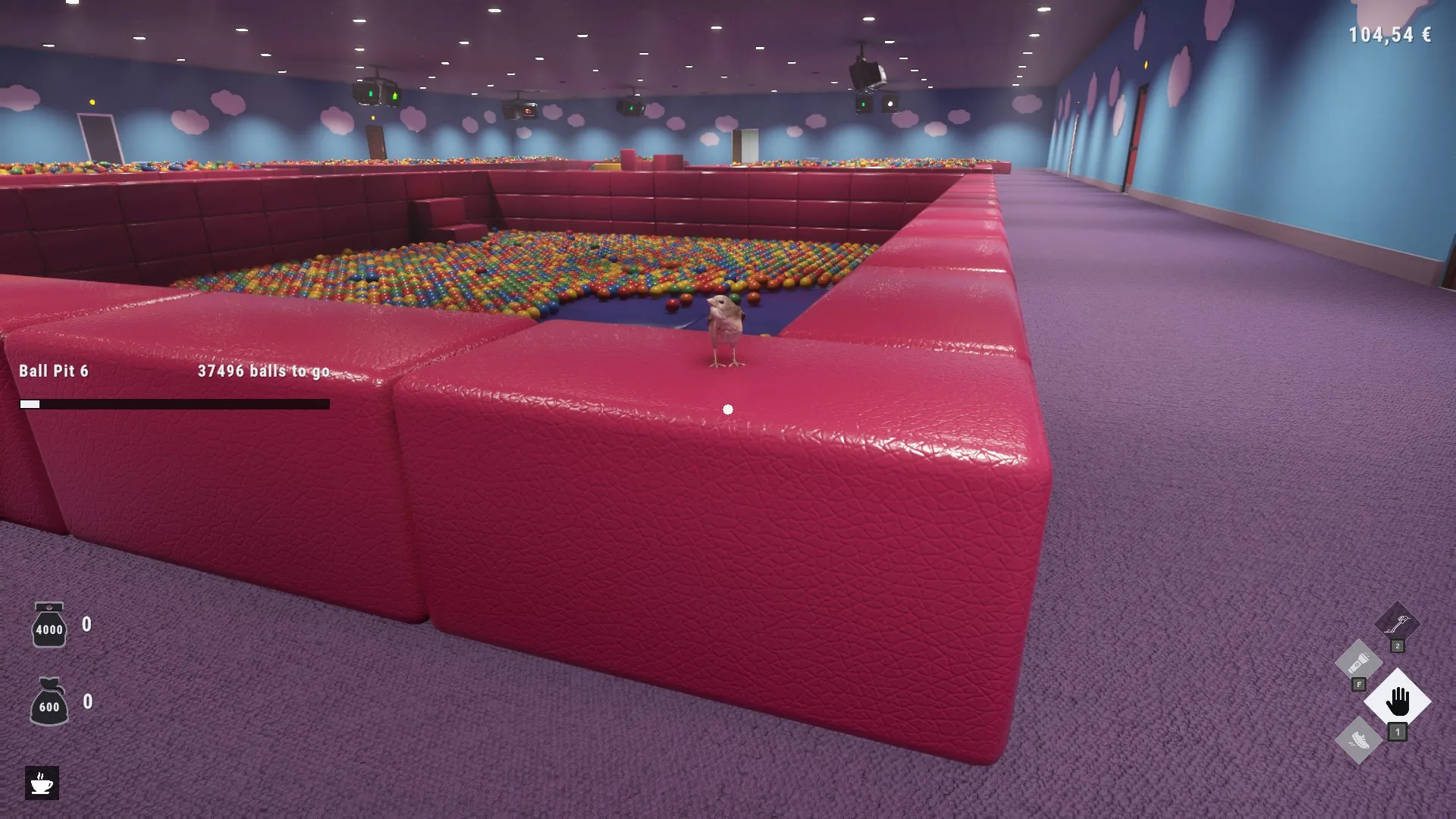
Which upgrades should you buy first in Playrooms?
Playrooms upgrades can turn a shift of individual pickups into a steady flow of balls back to the pits. Choosing the right improvement matters because collecting, carrying, and depositing all compete for your limited working time. Start your Playrooms upgrades with faster hand collection and enough carrying capacity, then invest in the equipment or room key that removes your next obstacle.
The practical order below comes from player experience in a full-game playthrough recorded before public launch. It is a recommendation based on observed behavior; the footage does not establish a mathematically optimal purchase order.

Playrooms - Episode 1 - Full Game Release! — FalconPlaysGamesOfficial
Video source: Playrooms - Episode 1 - Full Game Release! — FalconPlaysGamesOfficial.
General full-release gameplay reference. This is not a dedicated tutorial, device test, or proof of this article’s particular mechanic. Exact patch is not identified.
| Your current problem | Suggested priority | Reason |
|---|---|---|
| Picking up individual balls takes too long | Ball Magnet and pickup-speed improvements | Collect more balls with less time spent gathering |
| Your pockets fill before you finish a nearby pile | Big Pockets | Carry more before needing to deposit |
| Emptying your inventory takes too long | Deposit-speed improvements | Reduce time spent unloading |
| You spend most of the shift moving piles | Push Broom upgrades | Improve how much you move and how quickly |
| Useful upgrades require another area | Save for the required room key | Make additional purchases available |
Avoid treating this as a rigid shopping list. If carrying capacity already lasts comfortably between deposits, another collection improvement may help more. If a vent cannot process the pile you have delivered, improving the broom again may simply create a larger queue.
This guide incorporates official notices through November 6, 2026. The available evidence does not establish every upgrade price or maximum level, so check your current menu before budgeting for a purchase.

THE BACKROOMS NEED CLEANING, WE'RE THE GUY | Playrooms FULL GAME PART 1 — Sonoket Gaming
Earlier full-game review-copy playthrough — Sonoket Gaming. Published October 30 before public launch. The dated observations attributed to this recording are not a demonstration of the November 6 patch.
How equipment purchases, pit rewards, and room keys work
Playrooms upgrades involve several connected progression systems. The official Playrooms Steam listing confirms that collecting balls supports equipment purchases, completing ball pits unlocks abilities, and saving earns access to additional areas.
These distinctions matter when something appears unavailable:
| Progression system | What it provides | What to check |
|---|---|---|
| Equipment purchases | Tools such as the broom, flashlight, and vacuums | Whether the item is available and affordable |
| Skill purchases | Improvements to collection, equipment, movement, and other functions | The next level’s cost and prerequisite |
| Completed ball pits | Ability unlocks and milestone rewards | The completed pit’s reward information |
| Room keys | Access to areas and, in observed play, further upgrade availability | Which area a locked upgrade requires |
In player experience, sprinting and crouching arrive as progression permissions, while a coffee machine appears as a pit milestone reward. Those unlocks differ from paying to improve a tool you already own.
The November 6 update makes reward tracking easier: completed pits now identify their unlock and where to find it. Check that information after filling a pit instead of guessing what an icon represents. This change is documented in the official November 6 facility patch notes.
Room keys also deserve a place in your upgrade budget. The playthrough shows additional improvements becoming available after buying keys, including purchases used to finish earlier areas. That supports buying a useful key before completely clearing your current room.
However, a key does not necessarily unlock every equipment branch. Read each prerequisite individually, and leave some money available for the newly accessible equipment or facilities.
Match broom, vent, and vacuum upgrades to the slowdown
The most useful Playrooms upgrades depend on where balls stop moving. Collection, transport, intake, and storage each have separate limitations.
The following equipment details come from player experience, including upgrade descriptions read during the full-game footage:
| Equipment | Observed upgrade options | Practical buying decision |
|---|---|---|
| Push Broom | Load increases the amount pushed; Push Tempo improves movement while pushing; Sweep Width broadens the head; Flick sends the pile forward on release | Improve load or pushing speed when moving a pile is the main delay |
| Ball Vent | Throughput increases simultaneous processing; Intake Speed speeds entry; Intake Reach expands collection distance; Suction Force strengthens the pull | Improve processing when delivered balls accumulate at the opening |
| Ball Vacuum | Upload Speed improves transfer to pits; Tank Size increases capacity; Intake Speed improves collection and enables suction at its first level; Intake Reach expands reach | Enable suction, then address slow uploading or insufficient collection range |
A newly purchased broom may initially feel disappointing beside upgraded hands. In the playthrough, its early performance improves substantially after further investment. Budget for the tool and useful upgrades together when possible.
Keep your route in mind, too. Player experience shows piles jamming when pushed into other piles or through awkward approaches. Clearing a path toward the vent can make existing equipment more effective before another purchase.
The portable Ball Vacuum has a separate upload process. In the footage, the player initially mistakes it for extra storage, then discovers that it transfers stored balls to the pits. Its first Intake Speed level enables suction, making that purchase especially relevant when you want to place it beside a pile.
Watch what happens after collection. If the tank remains full because uploading is slow, Upload Speed addresses that delay directly. Tank Size provides more capacity, but it does not itself accelerate the transfer.
Hand skills continue to matter alongside these tools. Player experience shows manual collection helping with awkward pool areas and feeding the portable vacuum. Keeping your hands effective gives you another way to collect balls when sweeping is inconvenient.
The same footage reaches a Hand Vacuum listing without demonstrating its use. Its performance and complete upgrade path are unconfirmed by these sources.
Spend on working time, visibility, and robot support
Time-related Playrooms upgrades deserve attention whenever travel consumes a large share of the shift. Longer Days increases the working window, while Slower Blackout affects the transition as the lights go out. They address different parts of the schedule.
The effects below are described or demonstrated in player experience:
| Upgrade group | Observed benefit | When it becomes useful |
|---|---|---|
| Longer Days and Slower Blackout | More working time or a slower lighting transition | Longer routes and deeper exploration |
| Sprint speed and stamina | Faster travel and more sustained running | Routes where running is permitted |
| Coffee and fruit upgrades | Temporary benefits and longer effect duration | Preparing for a specific collection or travel task |
| Flashlight and scanner improvements | Better illumination or a wider scan for remaining balls | Dark areas and cleanup searches |
| Robot Vacuum upgrades | Battery, tank, movement, charging, unloading, and carrying improvements | Supporting unattended collection |
The playthrough provides a useful travel example: an unsuccessful trip down a long hallway later succeeds after movement upgrades and consumable preparation. That supports improving travel capability before attempting distant objectives, though it does not establish a guaranteed time requirement.
Coffee effects in the footage include walking speed, with additional benefits appearing through upgrades. Fruit offers different bonuses; the pear is shown providing extra reach. Choose the benefit that fits the next shift and check its duration.
Robot upgrades require similar judgment. Quick Unload targets emptying time, Fast Charge targets charging time, and Turbo Motor improves movement. Bigger batteries and tanks support longer operation between interruptions. Place robots where balls are accessible and check their route to the dock before expanding the fleet.
Robot Stacking is shown allowing multiple robot vacuums to be carried. Separately, the official launch announcement confirms the addition of two-tool carrying. Older footage showing transportation difficulties needs to be read alongside that change.
Use the room’s time display to judge when to return. More speed and a better flashlight still leave you with a shift deadline.
Check upgrade caps and achievement requirements
Maxing the Playrooms upgrades currently available can be a temporary stopping point. In player experience, several branches become unavailable until further area progression, then offer more purchases later.
The achievement requirements distinguish a completed hand-skill branch from complete upgrade progression:
| Achievement | Confirmed requirement |
|---|---|
| Mighty Hand | Fully improve every hand skill |
| Fully equipped | Purchase every possible upgrade to its maximum |
These requirements appear in the official Steam achievement listing. Buying all available tools alone does not satisfy the stated requirement for Fully equipped; their upgrade levels also matter.
When checking progress:
- Revisit locked branches after purchasing room keys.
- Inspect completed pits for reward locations.
- Check supporting categories such as lighting, consumables, and robots.
- Keep room cleanup progress separate from upgrade completion.
The November 6 patch also changes vent behavior: vents continue accepting surplus balls after all pits are full, storing them as bonus balls. Upgraded vent range no longer pulls balls through walls.
That distinction matters if you are interpreting older footage. The reviewed player experience includes unreachable balls beneath the Poolrooms floor. The November 6 notes describe specific school and hotel corrections, but do not confirm a fix for that particular Poolrooms issue. More equipment spending is not established as a solution to it.
Related guides
- Beginner Guides directory
- Playrooms Walkthrough and Beginner Guide
- Playrooms Tools, Ball Vacuums, and Cleaning Robots
FAQ: Playrooms upgrades
Why are some Playrooms upgrades locked?
Player experience shows some upgrades requiring access to another area. Check the prerequisite shown for the individual upgrade and budget for the relevant key. Purchasing a key can make improvements available before you finish cleaning the earlier room, but different branches may have different requirements.
Should I keep upgrading my hands after buying a broom?
Yes, when manual collection remains useful for your current work. The playthrough demonstrates hand collection in awkward spaces and direct deposits into the portable Ball Vacuum. Ball Magnet, carrying capacity, and collection speed can therefore remain useful after you acquire larger tools.
Why does the Ball Vacuum seem slow or inactive?
In the reviewed player experience, the first Intake Speed upgrade enables suction. After that, distinguish between slow intake and slow uploading to the pits. A full tank that empties slowly points toward Upload Speed as a relevant upgrade. The demonstrated placement also requires a clear patch of floor beside the pile.
Is there a confirmed total cost for every upgrade?
No complete total is established by the reviewed material. The playthrough contains individual prices and changing availability, but does not document every branch through its final level. Use your current upgrade menu for costs and prerequisites; the official achievement listing confirms the completion requirement without supplying a purchasing budget.
Related Articles
fixes
Playrooms Robot Vacuum Missing or Stuck
Find reported locations for missing Playrooms robot vacuums, understand the limits of suggested fixes, and prepare a useful bug report.
guides
How Ball Pits and Bonus Balls Work in Playrooms
Learn how Playrooms ball pit deposits earn currency, unlock abilities, and become bonus balls, plus how full pits differ from 100% room cleaning.
guides
Playrooms Second Ball Suction Device Unlock
Trying to buy a second Ball Suction Device in Playrooms? See the unresolved full-tank report and what the November 6 patch confirms.
Was this helpful?
Thanks for the feedback!