
Playrooms Lag and Lights-Out Crash Troubleshooting
Find the developer's Playrooms crash advice, compare PC requirements, and check which Lightmap Resolution settings apply to the full game or demo.
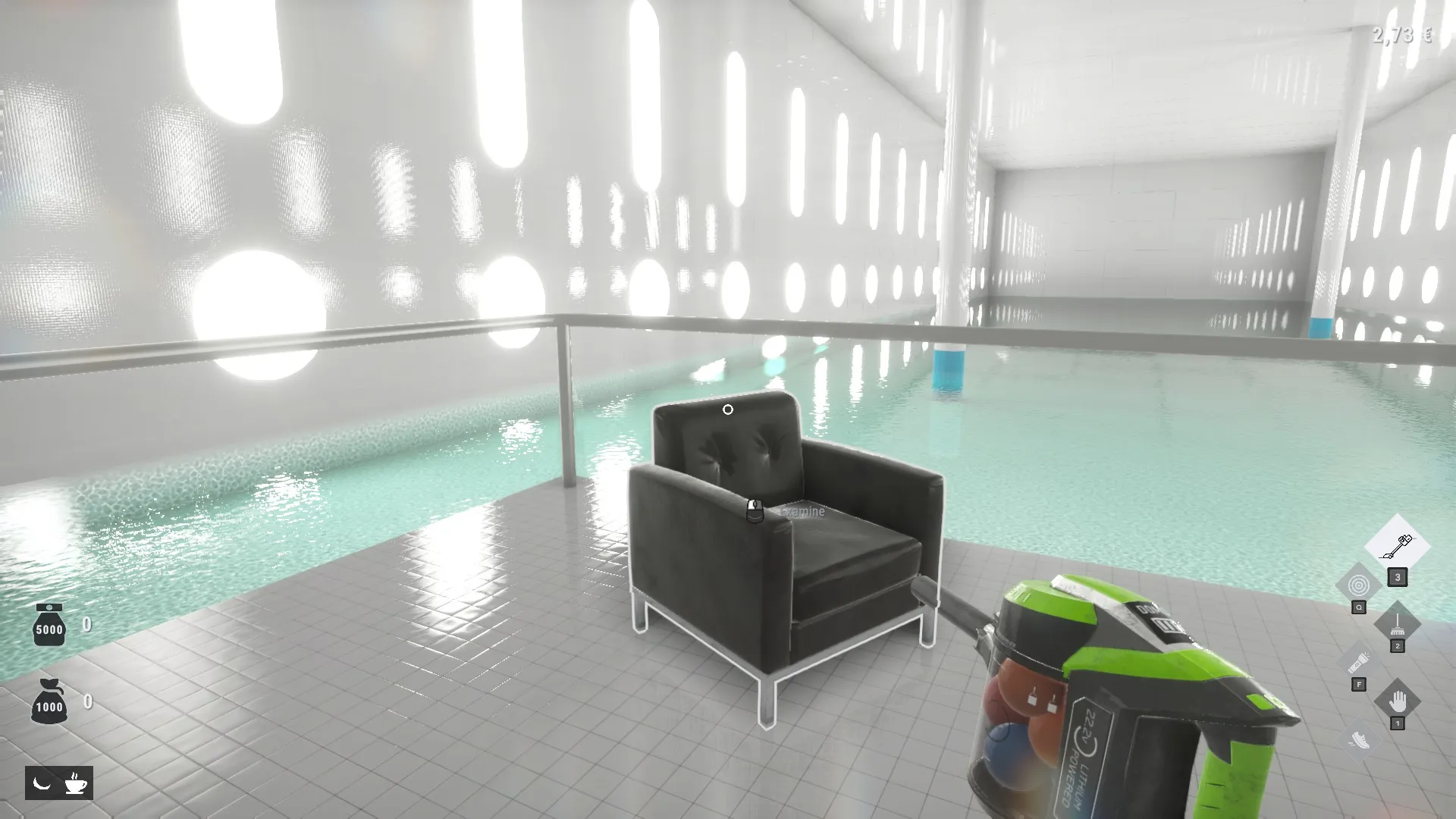
What should you try first if Playrooms lags or crashes?
The best-supported starting point for a Playrooms lag and crash fix is setting Lightmap Resolution to Quarter, especially if crashes happen when rooms begin going dark. This matters because the developer connects that setting with reduced video memory demands during the lighting transition. A Playrooms lag and crash fix still needs to match your symptoms: the recommendation is documented, but it is not a guaranteed solution for every performance problem.
In a November 5 response to a full-game crash report, Two Pixels UG directed the player to Lightmap Resolution under Image Quality in the graphics settings. The developer also requested hardware specifications if the problem continued. That makes this a specific troubleshooting recommendation, rather than a confirmed diagnosis of every reported crash. See the developer’s Lightmap Resolution advice.

Playrooms - Episode 1 - Full Game Release! — FalconPlaysGamesOfficial
Video source: Playrooms - Episode 1 - Full Game Release! — FalconPlaysGamesOfficial.
General full-release gameplay reference. This is not a dedicated tutorial, device test, or proof of this article’s particular mechanic. Exact patch is not identified.
This guide covers Playrooms by Two Pixels UG. Its Windows Steam release launched on November 4, 2026, according to the official Playrooms store listing. Demo instructions are identified separately below.
Start by matching the symptom you actually see:
| Symptom | What the references establish | Relevant next step |
|---|---|---|
| Crashing when the lighting shuts down | The developer specifically highlights this situation in its Lightmap advice | Try Quarter |
| Slowdown while sweeping a large pile of balls | A player experience describes this without accompanying crashes | Describe the sweeping slowdown separately from a crash |
| Repeated crashes without a clear trigger | Community reports exist, but the cause is unresolved | Include hardware details and describe when the failure happens |
Use that distinction to guide your Playrooms lag and crash fix. A setting recommended for lighting-related crashes has stronger support than an assumption that all lag comes from the same problem.
Use Lightmap Resolution with the correct version
The practical Playrooms lag and crash fix supported by the developer’s full-game reply is straightforward:
- Open the game’s graphics settings.
- Find Lightmap Resolution under Image Quality.
- Set it to Quarter.
- If crashes continue, provide your PC specifications, especially the GPU model and VRAM capacity.
These steps follow the developer’s stated menu location and recommendation. The reply does not provide a success rate or guarantee that Quarter resolves every crash.
The earlier demo announcement supplies additional background. It describes excessive graphics-memory demands when lighting sections shut down and says the lighting system was adjusted. It also introduces an automatic lightmap setting and recommends Quarter when stalls continue. Those update details explicitly concern the demo. See the official demo lighting update.
| Setting or instruction | Full-game evidence | Demo evidence |
|---|---|---|
| Lightmap Resolution set to Quarter | Recommended in the November 5 developer reply | Recommended when stalls persist |
| Location under Image Quality | Explicitly identified by the developer | Announcement identifies the Graphics section |
| Auto selecting a suitable level | Not explained in the reviewed full-game reply | Explicitly described in the demo announcement |
| Player.log folder | Not reviewed in the full-game reply | Demo folder is documented |
This distinction allows a clear recommendation without overstating what the demo update proves. Quarter has direct support for the full game because the developer recommended it in that game’s discussion. The explanation of Auto and the documented log directory come from the demo announcement.
When assessing the result, focus on the original symptom. A crash during the lighting transition and a brief slowdown while moving balls are different observations. If one improves while the other remains, report both outcomes instead of describing the entire issue as fixed or unchanged.
Compare your PC with the published requirements
Hardware requirements put a Playrooms lag and crash fix in context, particularly when the developer asks for GPU and video memory details. They provide a useful comparison point, but they do not explain the cause of an individual crash.
The official Steam system requirements list the following minimum and recommended specifications:
| Component | Minimum | Recommended |
|---|---|---|
| Operating system | Windows 10, 64-bit | Windows 10, 64-bit |
| Processor | Intel Core i5-7600K or AMD Ryzen 5 1600 | Intel Core i5-10400 or AMD Ryzen 5 3600 |
| System memory | 8 GB RAM | 16 GB RAM |
| Graphics card | NVIDIA GTX 1060 with 6 GB or AMD RX 580 | NVIDIA RTX 2060 with 6 GB or AMD RX 5700 |
| DirectX | Version 11 | Version 11 |
| Available storage | 10 GB | 10 GB |
Keep system RAM and graphics memory separate when describing your computer. The listing’s 8 GB and 16 GB memory figures refer to system RAM. The developer’s request for VRAM concerns graphics memory. Providing only your system RAM leaves part of that request unanswered.
The reviewed requirements do not attach a frame-rate target, display resolution, or graphics preset to either specification tier. They therefore cannot support a promise that a listed configuration will maintain a particular FPS.
They also do not establish a universal VRAM threshold below which every system crashes. Although the listed NVIDIA cards include 6 GB specifications, the AMD entries do not specify memory capacities in the reviewed listing.
For troubleshooting, give the exact component information you know. A broad description such as “gaming laptop” or “powerful PC” cannot be compared as precisely with these requirements or the developer’s request.
Separate confirmed guidance from community reports
A useful Playrooms lag and crash fix depends on distinguishing a developer recommendation from an individual player’s explanation.
One community report describes crashes after several minutes and suggests a possible memory leak because changing graphics settings affected the time before failure. That is a player’s hypothesis. The developer’s response recommends Quarter and requests hardware information; it does not confirm a memory leak.
Other player experiences in the same discussion describe successful play on a GTX 1080 Ti system and an RTX 4070 system. Another player reports slowdown while sweeping a large collection of balls but says crashes had not occurred.
Those accounts demonstrate different reported outcomes. They are not controlled benchmarks, and they do not establish that one GPU model is immune to problems. The posts do not supply a consistent test scene, settings comparison, or measured frame-rate data.
A separate community report about repeated laptop crashes contains no confirmed cause or remedy in the reviewed excerpt. It supports the limited statement that another player experienced crashes.
The distinctions that matter are:
- Developer guidance: Quarter is recommended, especially for crashes around the lighting transition.
- Demo update explanation: Lighting shutdown placed excessive demands on systems with limited graphics memory.
- Player experience: Slowdown can occur while sweeping a pile of balls.
- Unconfirmed explanation: A memory leak is suggested by a player but not established.
These sources also contain no verified FPS increase for Quarter. A claim that it doubles performance, fixes every laptop, or eliminates all crashes would go beyond the available evidence. Its value here is that it is the developer’s documented next step for the reported problem.
Report persistent crashes with useful details
If the Playrooms lag and crash fix above does not help, the developer’s next request is concrete: provide PC specifications, with particular attention to the graphics card and VRAM.
Describe the failure alongside those specifications. The reviewed reports distinguish crashes after several minutes, problems during the lighting transition, and slowdown while sweeping balls. Preserving those distinctions makes your report more specific than simply saying the game “lags.”
| Detail to include | Why it matters in these reports |
|---|---|
| Full game or demo | The documented settings and logging instructions have different source scopes |
| GPU model | Specifically requested in the developer’s full-game reply |
| VRAM capacity | Specifically requested alongside the GPU |
| Other PC specifications | The developer asks for PC specifications more broadly |
| Whether Quarter helped | Shows the outcome of the recommended setting |
| What was happening during the failure | Distinguishes lighting-related crashes from sweeping slowdown or other reports |
Be precise about the outcome. “Quarter reduced the lighting-transition problem, but the game still crashes later” describes two observations. “Quarter did not help” leaves that distinction unclear. Treat the former as an example of useful wording, not a reported test result.
For demo players, the official update documents a file named Player.log in this folder:
%USERPROFILE%\AppData\LocalLow\Two Pixels UG (haftungsbeschränkt)\Playrooms Demo
The demo announcement asks for that log when stalls or crashes continue. Use the reporting instructions in the linked official demo announcement for submission details.
That directory is specifically documented for the demo. The reviewed full-game developer reply does not establish a full-release log location, so changing the folder name would be a guess.
For the full game, the supported next step remains providing specifications and explaining the result of trying Quarter. There is no confirmed universal diagnosis or additional full-game logging procedure in the reviewed reply.
Related guides
- Troubleshooting directory
- Playrooms Minimum and Recommended PC Requirements
- Playrooms on Steam Deck and Computer Text
FAQ
Is there a guaranteed Playrooms lag and crash fix?
No universal fix is established by the available references. Two Pixels UG recommends setting Lightmap Resolution to Quarter, particularly when crashes coincide with the lighting transition. If crashes continue, the developer asks for PC specifications, especially GPU and VRAM. The recommendation is a supported troubleshooting step, not proof that every crash has the same cause.
Should I use Auto or Quarter?
For the demo, the official announcement describes Auto as selecting a suitable lightmap level and recommends Quarter if stalls persist. For the full game, the November 5 developer reply specifically recommends trying Quarter. The reviewed full-game reply does not explain Auto, so its behavior should not be inferred solely from the demo announcement.
Does lag while sweeping balls mean there is a memory leak?
No. A player experience reports slowdown while sweeping a large pile of balls without crashes. A different player suggests a possible memory leak while discussing crashes, but the developer does not confirm that explanation. Neither account establishes that sweeping slowdown and lighting-related crashes share a cause.
Where is the Playrooms crash log?
The reviewed demo announcement identifies Player.log inside %USERPROFILE%\AppData\LocalLow\Two Pixels UG (haftungsbeschränkt)\Playrooms Demo. That is a documented demo location. A corresponding full-game path is not confirmed by the reviewed sources; the full-game developer reply instead requests hardware specifications if the recommended Lightmap Resolution setting does not resolve the crashes.
Related Articles
guides
Playrooms ReShade Compatibility and Presets
Explore Playrooms reshade compatibility, unverified presets, official PC requirements, and what the available evidence can actually confirm.
platforms
Playrooms on Steam Deck and Computer Text
What Playrooms Steam Deck reports confirm about blurry computer text, controller support, performance, and settings as of November 6, 2026.
platforms
Playrooms Minimum and Recommended PC Requirements
Compare official Playrooms system requirements, including minimum and recommended PC specs, RAM, graphics cards, storage, and Windows support.
Was this helpful?
Thanks for the feedback!