
Playrooms on Steam Deck and Computer Text
What Playrooms Steam Deck reports confirm about blurry computer text, controller support, performance, and settings as of November 6, 2026.
Can you play Playrooms on Steam Deck?
The clearest Playrooms Steam Deck player experience raises a specific concern: unreadable text on in-game computer screens. That matters because getting a game running and being able to read its interface are separate requirements for comfortable handheld play. This Playrooms Steam Deck guide separates that reported experience from officially listed features, using the reviewed evidence available through November 6, 2026.
A player reports testing the full release on Steam Deck, but reliable overall compatibility remains unconfirmed. Their experience establishes that they reached the game’s computer screens. It does not establish a stable frame rate, complete playthrough, recommended graphics preset, or official Steam Deck compatibility rating.

Playrooms - Episode 1 - Full Game Release! — FalconPlaysGamesOfficial
Video source: Playrooms - Episode 1 - Full Game Release! — FalconPlaysGamesOfficial.
General full-release gameplay reference. This is not a dedicated tutorial, device test, or proof of this article’s particular mechanic. Exact patch is not identified.
The game covered here is Playrooms by Two Pixels UG. These details identify the release behind the report:
| Release detail | Confirmed information |
|---|---|
| Developer and publisher | Two Pixels UG |
| Full release date | November 4, 2026 |
| Full release Steam app | 5037510 |
| Listed operating system platform | Windows |
| Separate demo Steam app | 5246850 |
The official Playrooms Steam listing confirms the Windows release and full controller support. Those facts help describe the product, but neither establishes how well every part of the game works on the Deck.
For a Playrooms Steam Deck purchase decision, the strongest available evidence is therefore a limited player experience with a specific readability problem. Someone considering the game primarily for handheld use still needs confirmation that its computer text is readable and that performance remains acceptable beyond the reported scene.
Keep the demo separate when comparing information. A setting or result associated with app 5246850 would need confirmation before being presented as advice for the full release.
What community reports say about blurry computer text
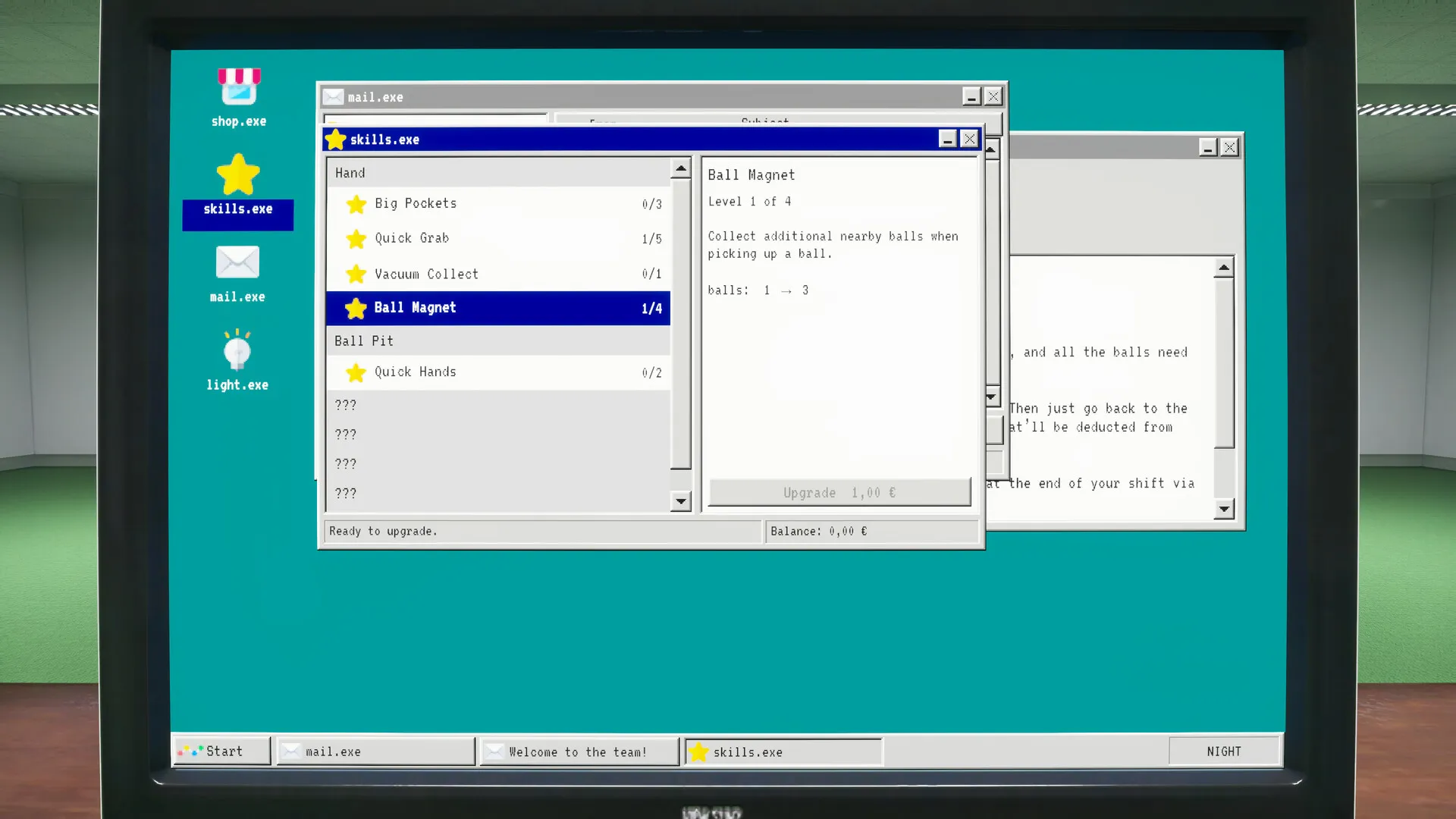
The relevant report appeared on November 4. A player testing the release on Steam Deck described text on the game’s computer screens as too blurry to read, while saying the HUD text looked fine.
That distinction is useful. The complaint concerns text displayed on computers inside the game world. The report does not describe every menu, label, or interface element as unreadable.
The player also said they had tried all graphics settings without improving the affected text. This is player experience, not a controlled test documenting every setting and its value. It supports taking the problem seriously, but it cannot identify the rendering cause or establish that every Deck owner will encounter it.
| Evidence point | What the reviewed discussion records |
|---|---|
| November 4 player report | In-game computer text was unreadable; HUD text remained readable |
| Graphics adjustments | The player reported trying all graphics settings without improvement |
| November 4 developer response | Two Pixels UG requested screenshots and said it did not own a Steam Deck |
| Later player follow-up | The player said the requested screenshots had been sent |
In the Steam Deck computer-resolution discussion, Two Pixels UG’s response is explicitly marked as a developer post. The developer acknowledged the report and explained that lacking a Deck made reproduction difficult.
That response confirms awareness of the complaint. It does not announce a completed investigation, a fix, or a delivery date. The player’s subsequent confirmation that screenshots were sent also provides no result from the investigation.
The Playrooms Steam Deck text report leaves several questions open: the cause of the blur, how widely it occurs, and whether it affects progression. None can be settled from this exchange alone.
A separate November 5 community thread asks whether anyone is playing on Steam Deck. The reviewed excerpt contains no answer or performance measurements. It adds evidence of player interest, but no additional compatibility result.
What controller support and PC requirements tell you
Playrooms officially lists full controller support. For Playrooms Steam Deck controls, that is relevant starting information: controller input is a supported feature of the game.
However, the reviewed sources do not document a complete Deck control test. They do not establish whether every interaction, computer interface, or menu behaves comfortably with the handheld’s controls. The controller listing and the reported text problem address different aspects of usability.
The storefront also lists several features that may matter to players evaluating comfort and convenience:
| Storefront feature | What is established |
|---|---|
| Full controller support | Listed as a supported feature |
| Camera Comfort | Listed accessibility category; specific options are not described |
| Playable without Timed Input | Listed accessibility category; implementation details are not provided |
| Custom Volume Controls | Listed accessibility category |
| Steam Cloud | Listed Steam feature; no Deck-specific synchronization test is included |
These labels are useful when identifying what the game offers. Their presence does not supply the missing handheld test results. For example, a comfort category cannot tell you whether computer-screen lettering is legible at a particular resolution.
The official PC requirements provide another reference point:
| Component | Minimum | Recommended |
|---|---|---|
| Operating system | Windows 10, 64-bit | Windows 10, 64-bit |
| Processor | Intel Core i5-7600K or AMD Ryzen 5 1600 | Intel Core i5-10400 or AMD Ryzen 5 3600 |
| Memory | 8 GB RAM | 16 GB RAM |
| Graphics | NVIDIA GTX 1060, 6 GB, or AMD RX 580 | NVIDIA RTX 2060, 6 GB, or AMD RX 5700 |
| DirectX | Version 11 | Version 11 |
| Available storage | 10 GB | 10 GB |
These are Windows PC specifications. The listing does not pair them with a promised resolution, frame rate, or Steam Deck preset. Turning them into a claim such as “the Deck should hold 30 FPS” would require evidence that is absent here.
The platform listing identifies Windows support, with Linux support not listed. Native Linux support is therefore not established. At the same time, that listing alone does not resolve every question about whether the game can run on a Deck; the community report provides a separate, limited observation of actual use.
The practical distinction is between advertised features, PC requirements, and measured handheld behavior. The first two are documented. The third remains thinly reported.
Playrooms Steam Deck settings and performance remain unconfirmed
There is no supported “best settings” configuration in the reviewed material. No source provides a tested combination of resolution, graphics quality, frame-rate target, or other adjustments for the full release.
The only direct account of graphics changes says they did not resolve the computer-text problem for the reporting player. That makes it inappropriate to present a generic settings adjustment as a proven fix.
It also leaves the original test difficult to reproduce. The post does not provide a setting-by-setting comparison or numerical configuration. Its value is identifying the symptom and the player’s unsuccessful attempts, rather than documenting a reusable troubleshooting procedure.
The available evidence does not establish:
- A stable average or minimum frame rate.
- A recommended graphics preset for Steam Deck.
- A confirmed resolution that makes computer text readable.
- A verified workaround for the reported blur.
- An official Steam Deck Verified or Playable classification.
Missing evidence should remain labeled as missing. There is no basis here for saying that Playrooms consistently performs poorly, just as there is no basis for promising smooth handheld performance.
A dependable Playrooms Steam Deck settings recommendation would need results tied to the full release and enough configuration detail to make the comparison meaningful. A readability claim would also need to address the affected computer screens specifically.
The source date matters as well. The November 4 exchange records a problem and a request for evidence. It should not be treated as proof that every later build has the same behavior. Conversely, the existence of a later update would not, by itself, establish that this particular issue was fixed.
How to use the available evidence before committing to handheld play
If Playrooms Steam Deck performance will determine whether you buy the game, focus on the questions the existing reports leave unanswered. The most useful additional evidence would show readable computer screens, identify the full release, and describe actual performance.
A report that only says the game launches would add little to what is already known. The existing player reached the affected screens. What matters next is whether the interface remains usable and whether a longer session supports a broader compatibility judgment.
For owners comparing their experience with the reported problem, these distinctions keep observations useful:
- Computer text versus HUD text: The original player described different results for these two elements.
- Full release versus demo: The apps are separate, so reports should identify which was tested.
- Observed result versus proposed fix: Trying an adjustment does not establish that it improves readability.
- Developer acknowledgment versus resolution: Requesting screenshots shows investigation interest, without confirming a solution.
Screenshots are particularly relevant because the developer explicitly requested them. Someone documenting the same symptom can use the original discussion to understand what evidence was requested, without assuming a particular graphics change will help.
For a buyer who needs a dependable handheld experience immediately, the unresolved readability question is material. The current evidence supports further checking before relying on the Deck as the primary way to play.
Related guides
- Steam & Platforms directory
- Playrooms Steam Release Date and Editions
- Playrooms Demo and Full Game Differences
FAQ
Is Playrooms Steam Deck Verified?
An official Steam Deck Verified rating is not established by the reviewed evidence. The storefront information includes full controller support, but that listing does not establish a Deck compatibility classification. There is also no reviewed evidence confirming an official Playable rating.
Does Playrooms actually run on Steam Deck?
One player reports testing the released game on Steam Deck and encountering blurry text on its in-game computer screens. That supports a limited account of the game running. It does not confirm stable performance, reliable controls throughout the game, or completion without problems.
Is there a fix for blurry computer text?
No confirmed fix appears in the reviewed discussion. The reporting player said graphics adjustments did not help. Two Pixels UG requested screenshots, and the player later said they had sent them. The exchange includes no subsequent confirmation that a workaround or patch resolved the issue.
What are the best settings for Playrooms on Steam Deck?
No tested Steam Deck preset is available in these sources. Specific resolution recommendations, graphics configurations, and frame-rate promises would be unsupported. The official Windows requirements offer hardware context, but they do not establish handheld settings or solve the reported computer-text readability problem.
Related Articles
community
Where to Find Playrooms Community Discussions
Searching for Playrooms reddit? Check the verified Steam game, separate demo advice, and see what is known about community discussions.
fixes
Playrooms Lag and Lights-Out Crash Troubleshooting
Find the developer's Playrooms crash advice, compare PC requirements, and check which Lightmap Resolution settings apply to the full game or demo.
guides
Playrooms ReShade Compatibility and Presets
Explore Playrooms reshade compatibility, unverified presets, official PC requirements, and what the available evidence can actually confirm.
Was this helpful?
Thanks for the feedback!