
When Does Playrooms Autosave?
Player reports explain when Playrooms autosaves, where the saving icon appears, and why quitting mid-shift may leave progress unsaved.
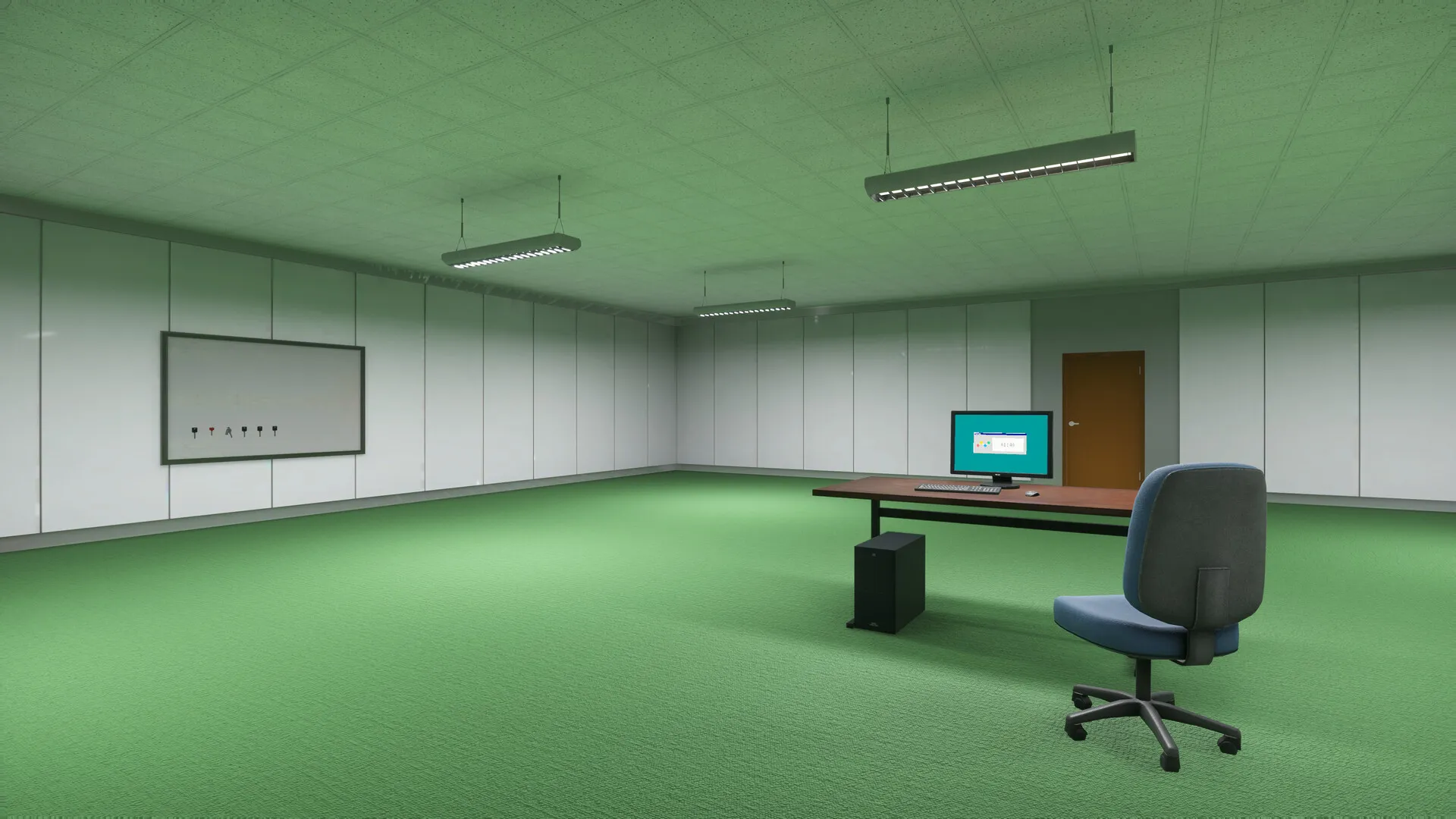
In Playrooms when does the game autosave?
If you’re asking “Playrooms when does the game autosave,” player experience points to the next-day transition, when turning the lights on brings up a saving icon in the bottom-right corner. This matters because community reports say quitting during a shift can leave that day’s progress unsaved. The practical answer to “Playrooms when does the game autosave” is to look for that next-day saving indicator when planning where to stop.
That answer comes from player experience, rather than a developer explanation of the save system. In the Steam community discussion about saving, a player identifies the lights-on transition into the next day as the moment the saving icon appears.

Playrooms - Episode 1 - Full Game Release! — FalconPlaysGamesOfficial
Video source: Playrooms - Episode 1 - Full Game Release! — FalconPlaysGamesOfficial.
General full-release gameplay reference. This is not a dedicated tutorial, device test, or proof of this article’s particular mechanic. Exact patch is not identified.
This guide covers the Windows Steam full release of Playrooms by Two Pixels UG, released November 4, 2026, according to the official Playrooms Steam listing. The evidence discussed here is available as of November 6, 2026.
| Source | Relevant information | Evidence type |
|---|---|---|
| Official Steam listing | Lists Steam Cloud and describes shifts ending as lights go out | Official product information |
| Saving discussion | Places the saving icon at the next-day lights-on transition | Player experience |
| Color-sorting achievement discussion | Includes a report of morning saves and no save when quitting mid-day | Community reports |
Together, the two community discussions support planning around the morning transition. They do not establish every possible save trigger, a fixed autosave interval, or identical behavior across all difficulty settings.
How to recognize the reported autosave point
The most useful detail is the combination of a day transition and a visible saving icon. The player answering the saving question describes the icon appearing after each day, when turning the lights on advances the game into the next day.
That description gives you something specific to watch for. It does not describe a timer that saves every few minutes, and it does not identify the lights going out at the end of a shift as the saving event.
The official storefront describes lights gradually shutting off when a shift ends. Keep that event distinct from the next-day lights-on transition identified in player experience.
| Moment or cue | What the evidence supports | How to interpret it |
|---|---|---|
| Lights begin going out | The official description associates this with the end of a shift | This alone does not confirm a save |
| Lights are turned on to advance the day | A player reports the saving icon appearing here | This is the reported autosave point |
| Saving icon appears in the bottom-right corner | The saving discussion identifies this visual cue | Look here for the reported save indication |
| Time passes during a shift | No fixed saving interval is documented in the reviewed reports | Elapsed time alone does not establish a checkpoint |
For readers searching “Playrooms when does the game autosave,” the useful distinction is between reaching the end of a shift and observing the reported saving event at the next-day transition.
A practical routine supported by these reports is to plan a stopping point around that transition and watch the bottom-right corner for the icon. The reports do not specify how long the indicator remains visible or describe an exact signal that the save operation has finished. They also do not provide a complete list of everything written into the save.
Does quitting mid-shift save your progress?
Do not rely on quitting mid-shift to save your latest work. In the community discussion about the color-sorting achievement, one player says the game saves in the morning and does not save when quitting during the day.
This is community-sourced information. It supports caution about leaving during a shift, but it should not be rewritten as a developer-confirmed rule covering every situation.
The distinction matters when you have spent a session collecting balls or working toward an objective. Progress visible on screen is not, by itself, evidence that a save has occurred. Based on the reported morning checkpoint, work performed afterward may be at risk if you leave before the next reported save.
| Saving question | What the reviewed evidence says |
|---|---|
| Does exiting during the day trigger a save? | A community report says it does not |
| Is there a manual save option? | The saving thread asks about this, but its reply does not confirm one |
| Does the game save at fixed time intervals? | No interval is given |
| Is the morning transition a reported saving point? | Both relevant community accounts point to morning or the next-day transition |
The original saving question asks both whether players can save before leaving and how often saving happens. Its answer identifies an observed autosave event; it does not explain a manual save command.
Accordingly, a careful answer to “Playrooms when does the game autosave” should avoid promising either a save-on-exit feature or a manual saving option. Neither is established by the available material.
If you need to leave before the next transition, recognize that the reports provide no guarantee your current shift’s work will be retained. There is no supported shortcut in these sources for forcing an immediate save.
What does Steam Cloud confirm about saving?
The official Steam listing includes Steam Cloud among the game’s features. That is useful official information, but the listing does not explain the timing of in-game autosaves.
In particular, the presence of Steam Cloud does not establish that quitting creates a new checkpoint. It also does not tell you whether every collection action, purchase, or other change is immediately preserved. The reviewed storefront description contains no detailed save-system documentation.
When considering “Playrooms when does the game autosave,” keep these two evidence questions separate:
- Is Steam Cloud listed? Yes, the official storefront lists it.
- When does the saving icon appear? Player experience places it at the next-day lights-on transition.
- Does leaving mid-shift preserve current progress? A community report says quitting during the day does not save.
- Are manual saving and timed autosaves documented? Neither is confirmed by the reviewed material.
This separation prevents an official feature label from being used to support a different, unverified claim. Steam Cloud support and the reported morning checkpoint can both be relevant without proving anything about saving when you exit.
The same caution applies to difficulty settings. The available reports do not provide a comparison of save behavior across modes. They also do not establish whether subsequent patches changed the saving rules. Treat the next-day icon as the documented player observation, with those limits attached.
How should you interpret the achievement-thread reports?
The color-sorting discussion is relevant because it contains the second saving account. However, it mixes developer replies about an achievement with player comments about quitting, death, and resumed progress. Those statements have different levels of authority.
Two Pixels UG replies with a developer label to say the color-sorting achievement was fixed. The developer also explains that the achievement requires one pit sorted by color and describes using another pit to discard unwanted colors. Those replies concern the achievement; they do not confirm the saving claims posted elsewhere in the thread.
| Statement in the discussion | Who makes it? | What it establishes about saving |
|---|---|---|
| The color-sorting achievement was fixed | Developer | No save timing is specified |
| Only one pit needs to be sorted by color | Developer | This explains an achievement requirement |
| Saving happens in the morning, without a mid-day quit save | Community member | A player report of saving behavior |
| Progress was resumed during a hardcore playthrough | Community member | The precise saving trigger is not identified |
The hardcore account deserves careful reading. That player describes returning to a playthrough and later encountering unexpected ball colors. The post does not say exactly when the previous save occurred. It therefore cannot establish that exiting mid-shift caused a save, nor does it resolve whether different modes save differently.
Another player suggests deliberately dying to reset the day’s progress. That is also player experience, and the reviewed material does not establish death consequences across all modes. It is not a verified general method for managing saves.
For “Playrooms when does the game autosave,” the relevant takeaway from this thread is narrow: a second community account supports morning saving and warns against expecting a mid-day exit save. The developer’s participation in the same discussion does not turn that account into an official statement.
Related guides
- Beginner Guides directory
- Can You End the Day Early in Playrooms?
- What to Do When the Lights Go Out in Playrooms
FAQ
Playrooms when does the game autosave, according to player experience?
Player experience places the autosave at the transition into the next day, when turning the lights on causes a saving icon to appear in the bottom-right corner. A separate community comment describes saving in the morning. These accounts support the same general stopping point, but the reviewed material does not include a developer-authored explanation confirming every save trigger. Look for the reported indicator instead of assuming a certain amount of playtime guarantees a save.
Can you manually save before leaving?
Manual saving is unconfirmed in the reviewed sources. A player asks whether saving before leaving is possible, but the reply discusses the next-day autosave icon rather than identifying a manual save option. That does not prove a manual option is absent; it means there is insufficient evidence to give instructions for one. No menu command, button, or shortcut for manual saving is documented here.
Will you lose progress if you quit during a shift?
Community reports indicate that quitting during the day does not create a save, so progress since the last save may be lost. The available material does not document exactly which parts of a run are restored or provide a controlled comparison across difficulty settings. Planning your exit around the reported next-day saving icon is better supported than expecting the act of quitting to preserve your latest work.
Does the saving icon prove everything is saved correctly?
The icon is the visual saving cue identified by a player, but the reports do not establish exactly which data is saved or guarantee flawless restoration. The achievement discussion includes a player report of unexpected colors after resuming a hardcore run, without enough information to diagnose a saving problem. Use the icon as the reported checkpoint indication, while keeping claims about save contents, completion timing, and mode-specific behavior qualified.
Related Articles
community
Playrooms Gameplay and Official Trailer
See how Playrooms gameplay combines ball cleanup, tool upgrades, and timed horror, with full-game footage context and launch details.
guides
Can You End the Day Early in Playrooms?
Can you end a Playrooms shift early? Learn why the door trick is disputed and what community reports say about PC access, saving, and waiting.
guides
Playrooms Controls for Keyboard and Controller
Check confirmed Playrooms controls, demo keyboard inputs, controller support, Y-axis inversion evidence, and the November 6 input fixes.
Was this helpful?
Thanks for the feedback!